Stage 5 — Build
⏱️ At a Glance This is where DeX actually compiles your application. It's locked by default — you'll need Build Access from your Platform Administrator before you can run a build.
Purpose: Compile and prepare the application for development execution based on the approved plan, tasks, and wireframe.
📍 Pipeline position: Stage 5 of 9 — see the full pipeline map.
🔒 Access Control Notice: Stages 5 through 9 (Build, Code, QA, Deploy, Archive) are locked by default for standard users — shown with a padlock icon in the pipeline stepper. This ensures governance, security, and proper authorization before compilation and deployment activities begin.
Requesting Build Access
- Click "Request Build Access" within Stage 5.
- This sends a notification to the Platform Administrator.
- The administrator reviews and grants permissions for Build, Code, QA, and Deployment stages — this may include provisioning VM access for your project workspace, depending on your organization's setup.
- Once approved, Stage 5 becomes fully accessible.
⚠️ Build Access is an organization-level governance gate, not a per-user toggle you control yourself. If you're blocked here, contact your Platform Administrator rather than your project team.
Build Execution
After access is granted, select your build strategy:
| Build Type | Description | When to Use |
|---|---|---|
| Clean Build (From Scratch) | Compiles the entire project using the FSD, SRD, and development plan | New projects or full rebuilds |
| Addon Build (Incremental) | Applies custom instructions; builds new features or patches existing files on top of an existing build | Feature additions or iterative updates |
Steps:
- Select your preferred build type.
- Click "Start Colakin CLI Build" to initiate the build process.
- Monitor build progress in the terminal output panel.
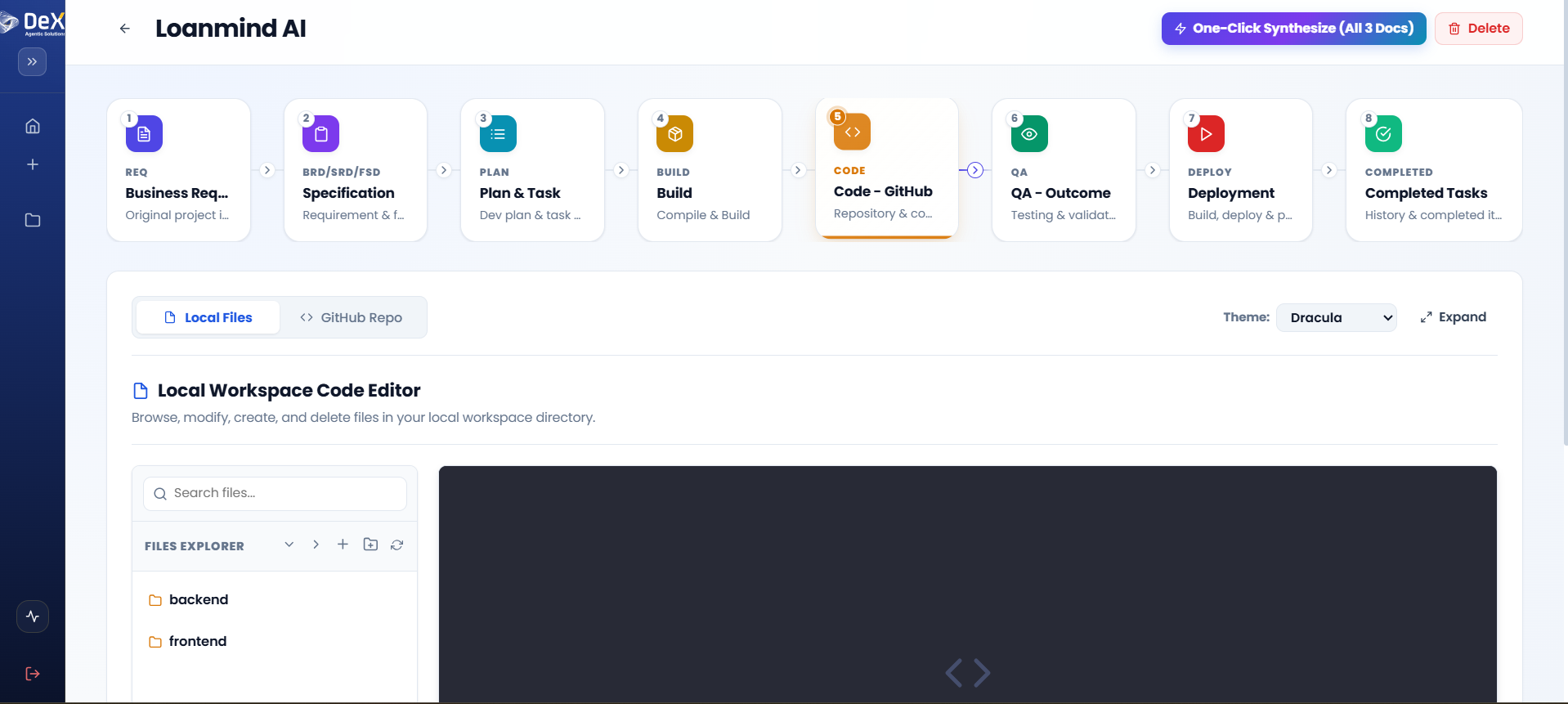
- On successful completion, Stage 6 — Code becomes unlocked.
Worked Example — Contractor Sync Addon Build
After the initial Clean Build shipped Sprints 1–4, a new requirement came in mid-project: supervisors wanted a shift-handover note field attached to each clock-out. Rather than rebuilding from scratch:
- The team selected Addon Build (Incremental).
- They provided a custom instruction: "Add an optional text field to the clock-out flow for a shift-handover note, visible on the supervisor dashboard."
- DeX patched the relevant FSD-derived files (clock-out endpoint, mobile clock-out screen, dashboard view) without touching the rest of the codebase.
- The build completed and Stage 6 reflected only the changed files.
This is the core advantage of the Addon Build path — it lets you keep iterating on a live project without re-running a full rebuild for every small feature.
What's Next
➡️ Stage 6 — Code — Review and manage the compiled codebase in a Git repository.