Stage 3 — Plan & Task
⏱️ At a Glance Turns your approved BRD/SRD/FSD into something a development team can actually execute: a sprint-by-sprint Development Plan, then a Development Tasks breakdown derived from that plan.
Purpose: Convert your approved specifications into an actionable development plan and task breakdown — the execution roadmap for the Build phase.
📍 Pipeline position: Stage 3 of 9 — see the full pipeline map.
This stage has two components:
- Development Plan — Sprint timelines, milestones, and phased deliverables
- Development Tasks — Granular, actionable items for individual developers
Generating the Development Plan
- After your specs are approved, open Stage 3 — Plan & Task.
- Open the Development Plan tab.
- Click "Generate Plan" to create the sprint plan and phased execution timeline.
- Once generated: Preview, Edit, Download, or Regenerate as needed.
Generating Development Tasks
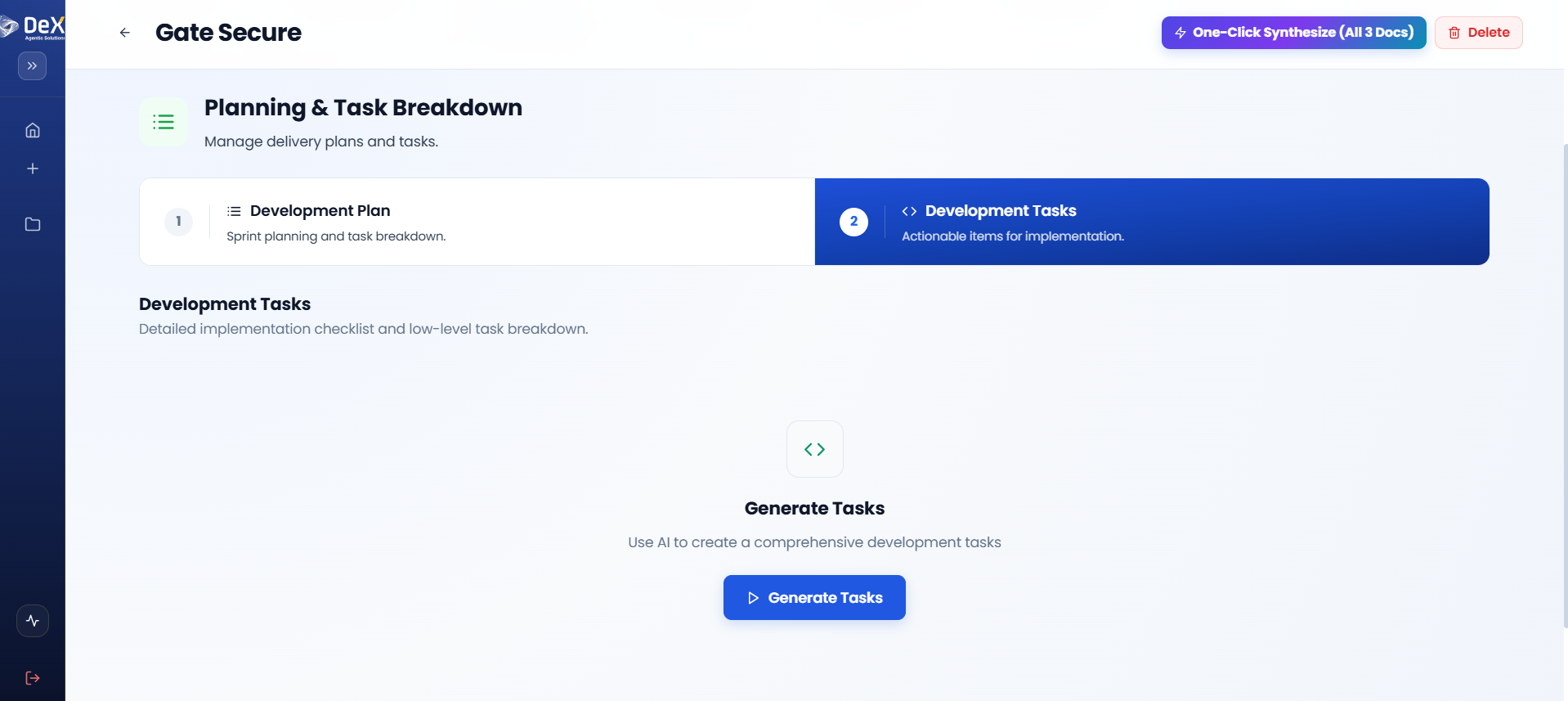
- After finalizing the plan, navigate to the Development Tasks tab.
- Click "Generate Tasks" — DeX automatically creates actionable tasks based on the approved plan.
- Once generated: Preview, Edit, Download, or Regenerate if the plan changes.
🗓️ Ensure the Development Plan is reviewed and approved before generating tasks — tasks are derived directly from the plan structure, so changes to the plan after task generation will require regeneration.
Worked Example — Contractor Sync Sprint Plan (excerpt)
| Sprint | Focus | Key Deliverables |
|---|---|---|
| Sprint 1 | Core mobile app shell + auth | Flutter app skeleton, JWT login, site assignment data model |
| Sprint 2 | Geofencing | PostGIS site radius validation, GPS capture, clock-in/out API |
| Sprint 3 | Facial verification | Camera capture flow, verification service integration, retry/flag logic |
| Sprint 4 | Supervisor dashboard | Real-time on-site status view, flagged-attempt review screen |
| Sprint 5 | Payroll export + hardening | Attendance export format, security review, QA pass |
What's Next
➡️ Stage 4 — Wireframe — Preview a UI/UX mockup generated directly from your approved FSD.