Step 3 — Solution Design
⏱️ At a Glance Step 3 of 5 in the project brief. You'll describe your solution across five tabs (Overview, Target Users, Key Features, Workflows, Success Metrics), then move to Step 4 to lock in your tech stack. This is the single biggest input to your generated BRD, SRD, and FSD — give it real detail.
Solution Design is where you describe what you're building, who it's for, and how success will be measured. This step shapes the core content of your BRD, SRD, and FSD more than any other single input.
This stage captures inputs across five tabs:
| Tab | What You're Filling In |
|---|---|
| Overview | The core value proposition, in a sentence or two. |
| Target Users | Your primary and secondary user groups. |
| Key Features | The essential capabilities that differentiate this solution. |
| Workflows | The key process flows, typically as a simple A → B → C chain. |
| Success Metrics | The measurable outcomes that tell you it's working. |
Navigation:
- Click Back to return to Problem Definition.
- Click Continue to proceed to Step 4 — Technical Architecture.
- Click Save Draft to store progress.
- Click Cancel to exit project creation.
Worked Example — Contractor Sync Solution
Here's what was entered across all five tabs for Contractor Sync, directly addressing the problem captured in Problem Definition.
Overview
"Contractor Sync replaces manual phone-call attendance tracking with a mobile sign-in/sign-out application for cleaners. The app uses geofencing to confirm a cleaner is physically on-site before allowing clock-in, and facial verification to confirm the person clocking in is the assigned cleaner — eliminating buddy-punching and reconciliation disputes entirely."
Target Users
"Primary users: cleaners performing daily sign-in/sign-out at client sites. Secondary users: site supervisors monitoring real-time attendance, and the payroll/operations team consuming verified attendance records."
Key Features
"Geofenced clock-in/clock-out (radius-restricted to the assigned site), facial verification at the point of clock-in, real-time supervisor dashboard of who's currently on-site, automatic flagging of failed verification attempts, and exportable attendance logs for payroll."
Workflows
"Cleaner opens app at job site → app checks GPS location against the site's geofence → cleaner completes facial verification → system timestamps and logs the clock-in → supervisor dashboard updates in real time → at shift end, cleaner repeats the process to clock out → verified attendance record flows to payroll export."
Success Metrics
"Eliminate manual attendance reconciliation (currently ~45-60 minutes/day per supervisor), reduce attendance disputes from ~8-10/week to near zero, and reduce payroll correction rate from ~12% of pay runs to under 2%."
Step 4 — Technical Architecture (Implementation)
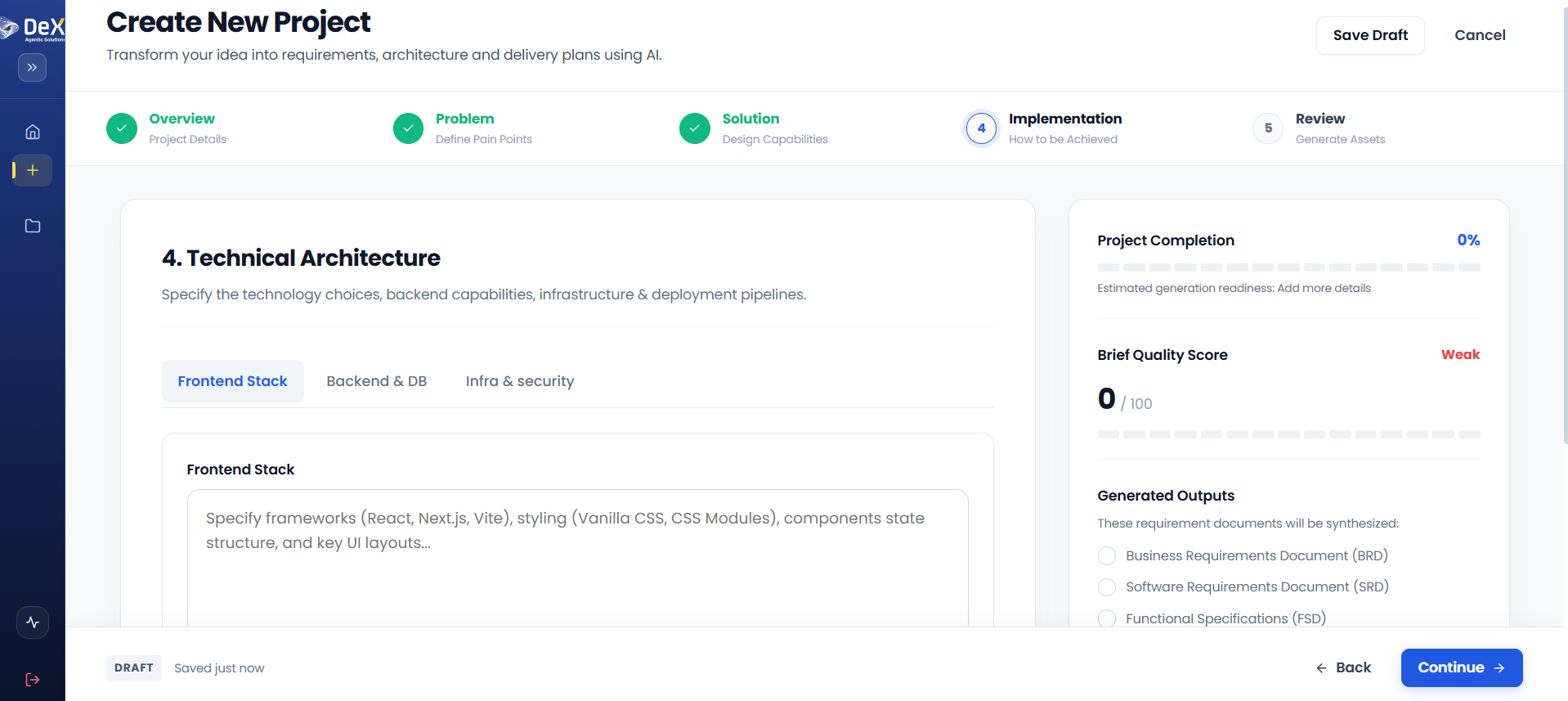
⏱️ At a Glance Step 4 of 5. You'll specify your tech stack across three tabs (Frontend, Backend & DB, Infra & Security) — or leave fields blank and let DeX recommend a stack. These inputs become the architecture and infrastructure sections of your SRD and FSD.
The Implementation step defines the technology choices that will shape how your solution is built. These inputs directly influence the architecture and infrastructure sections of your generated SRD and FSD.
This step is organized across three tabs:
Frontend Stack Tab
| Field | Example |
|---|---|
| Frameworks | React, Next.js, Vite, Flutter |
| Styling approach | CSS Modules, Vanilla CSS |
| Component/state structure | Redux, Context API, Zustand |
| UI layouts | Dashboard, form-based, data-grid views |
Backend & DB Tab
| Field | Example |
|---|---|
| Backend language/framework | Node.js, Java, .NET, Python/FastAPI |
| Database type | SQL (PostgreSQL), NoSQL (MongoDB) |
| Schema considerations | Multi-tenant, normalized, document-based |
Infra & Security Tab
| Field | Example |
|---|---|
| Cloud provider | AWS, Azure, GCP |
| Containerization | Docker, Kubernetes |
| CI/CD pipelines | GitHub Actions, Jenkins |
| Authentication | OAuth2, JWT, SSO |
| Encryption | TLS, AES-256 at rest |
| Compliance standards | SOC 2, GDPR, ISO 27001 |
Navigation:
- Click Back to return to Solution Design.
- Click Continue to proceed to Step 5 — Review & Asset Generation.
- Click Save Draft to store progress and resume later.
Worked Example — Contractor Sync Technical Architecture
| Tab | Inputs Provided |
|---|---|
| Frontend Stack | Flutter (cross-platform mobile, needed for camera + GPS access on both Android and iOS), Provider for state management. |
| Backend & DB | Python/FastAPI backend; PostgreSQL for attendance records and user data; PostGIS extension for geofence radius calculations. |
| Infra & Security | AWS (EC2 + S3 for facial verification image handling), Docker for containerization, GitHub Actions for CI/CD, JWT-based authentication, AES-256 encryption at rest for biometric data, GDPR-aligned data handling for facial verification images. |
🔒 Because Contractor Sync handles biometric data (facial verification), the Infra & Security tab is especially important here — it directly informs the security and compliance sections DeX generates in the SRD and BRD.
What's Next
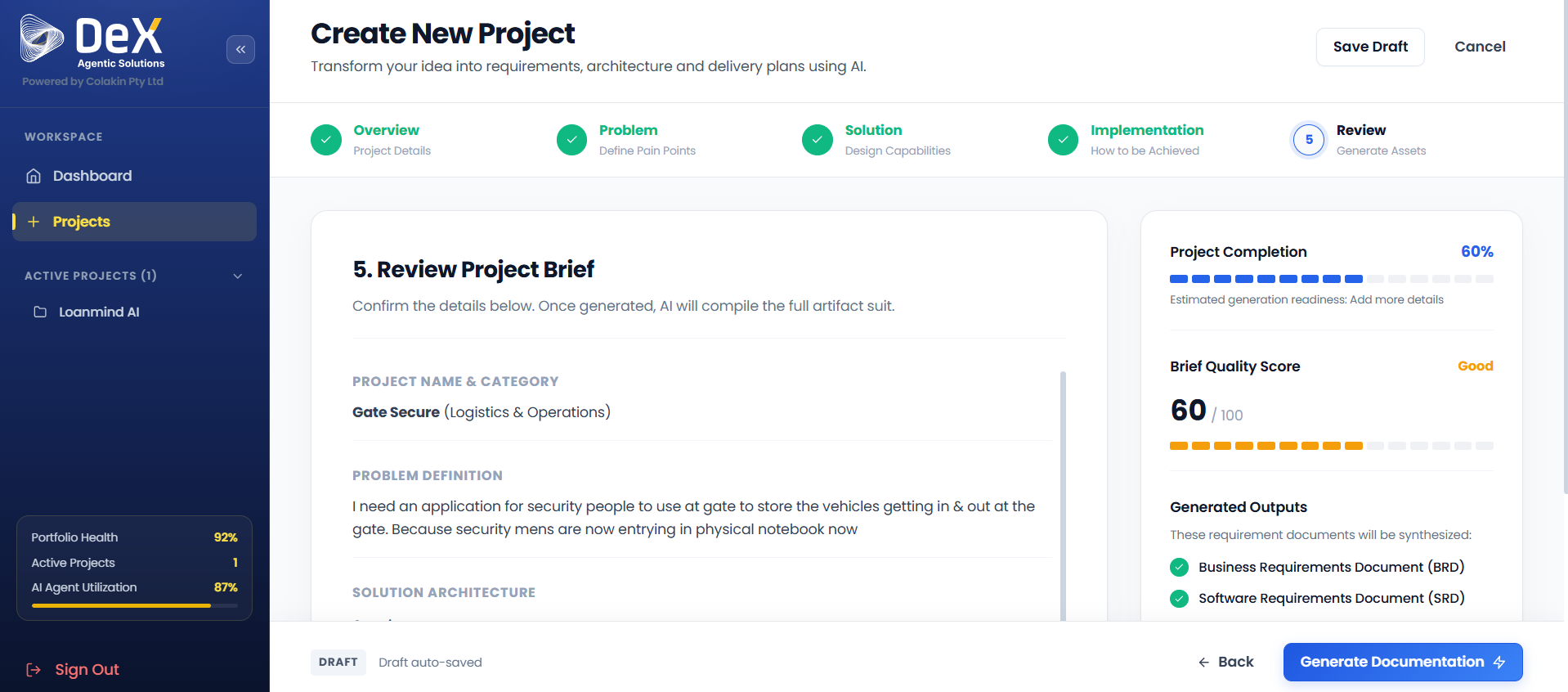
➡️ Review & Generate — Confirm every input before triggering AI document generation.